From a blank map to a trip you’ll remember.
Follow the flow the whole way through — the same six steps travellers use to plan deeper. Roomy on iPad, right in your hand on iPhone.
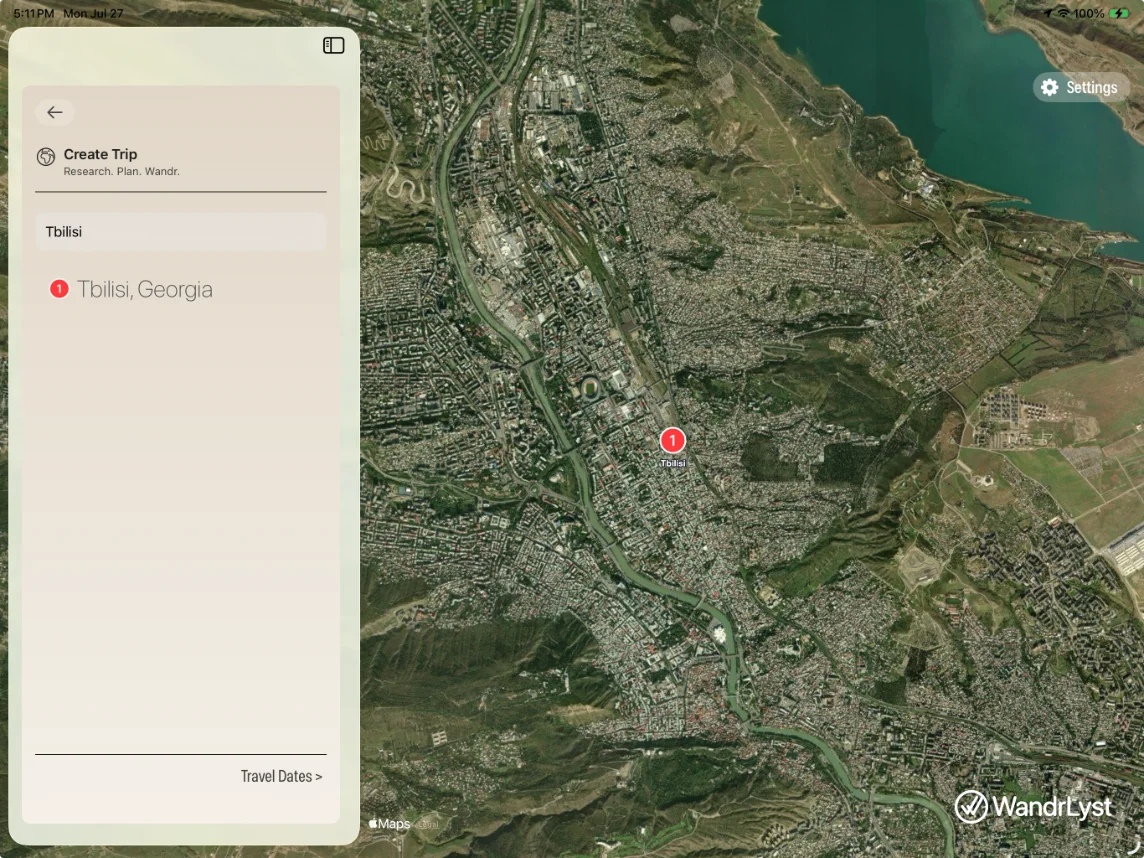
Start with where and when.
Name your destination and dates. WandrLyst tailors everything that follows — festivals, markets, public holidays, opening hours — to the exact days you’ll be on the ground.
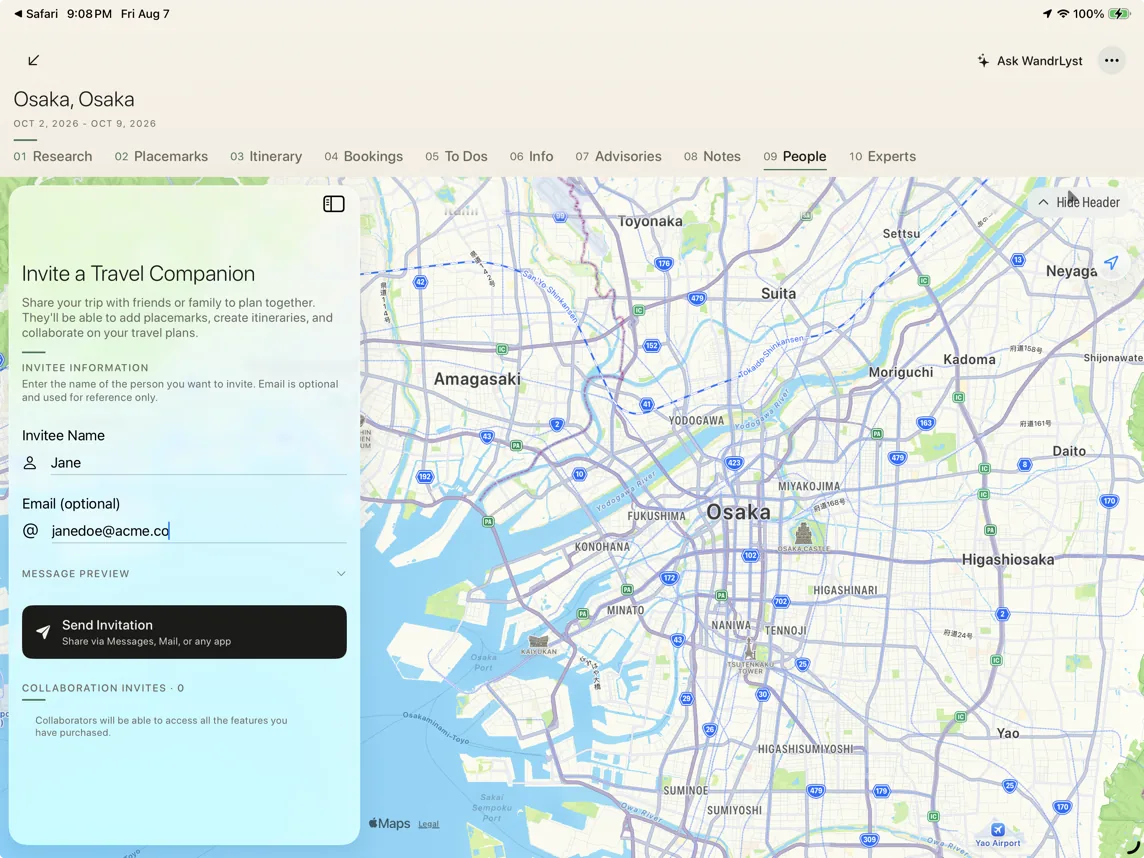
Bring your people in.
Share the trip with a single link. Everyone can add places, vote and shape the days together — in real time, each from their own device.
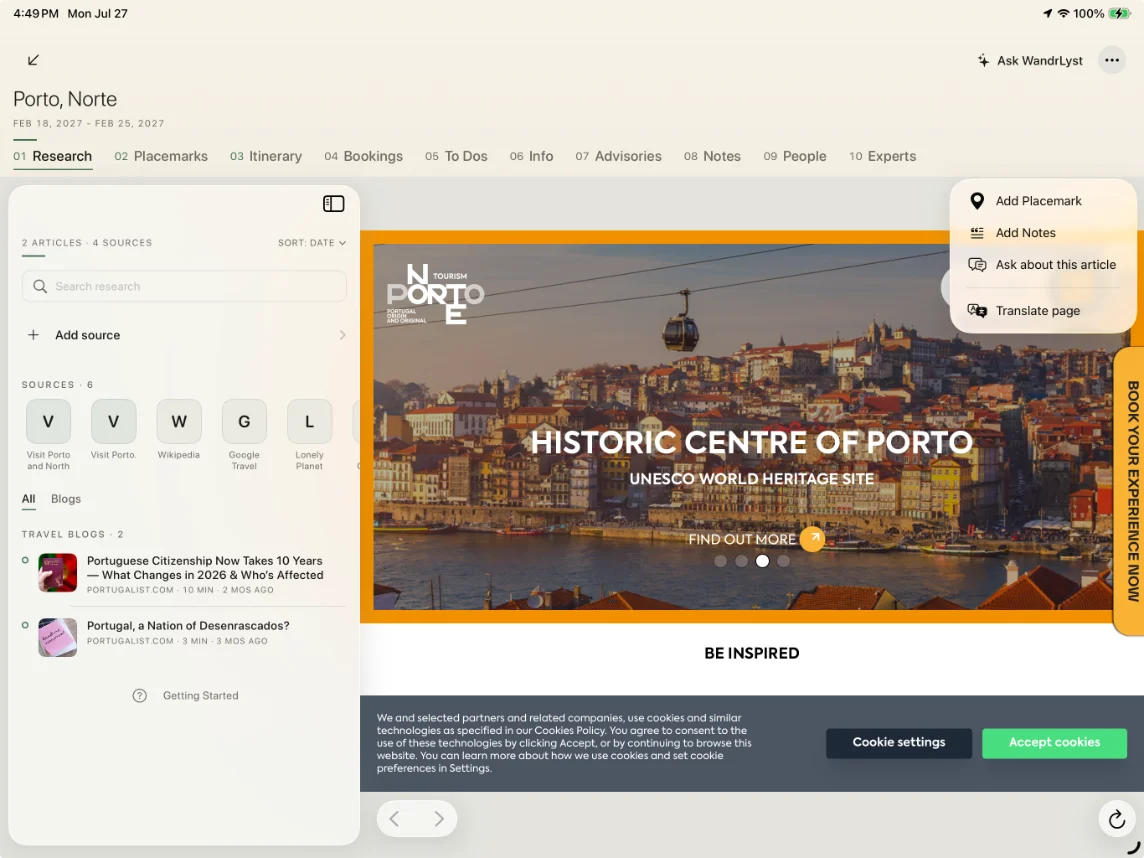
Turn articles into places.
Share any travel article with WandrLyst. AI reads it and pulls out the real places it mentions — restaurants, sights, neighbourhoods — keeping the source attached to each one.
- Works from the iOS share sheet, anywhere.
- Extract a whole article or just a highlighted quote.
- Browser extension SOON — capture from any page on desktop.
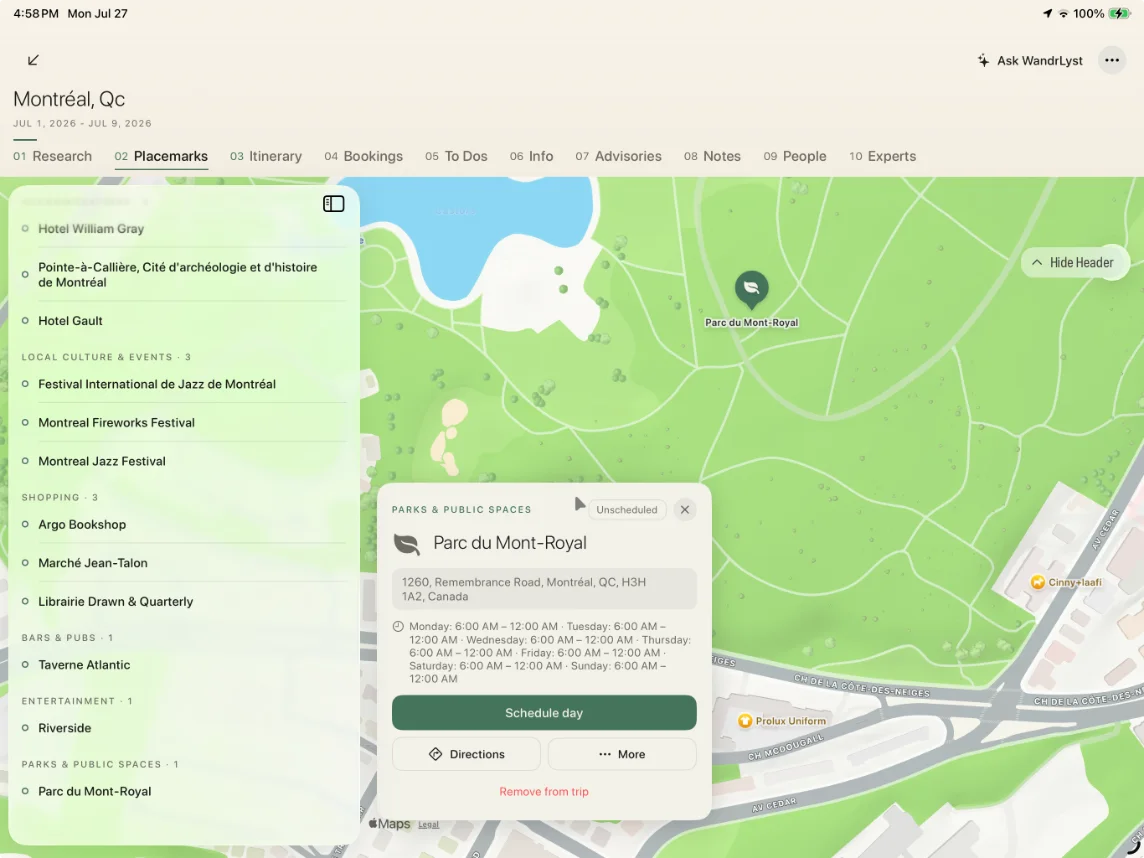
One library of intent.
Every place you save lands on a single map and list, tagged by trip. See what’s close to what — so you can group your days around neighbourhoods, not backtrack across the city.
Shape it into an itinerary.
Turn your shortlist into a day-by-day plan in a tap. WandrLyst orders stops by location and timing — then it’s yours to drag, swap and leave room to wander.
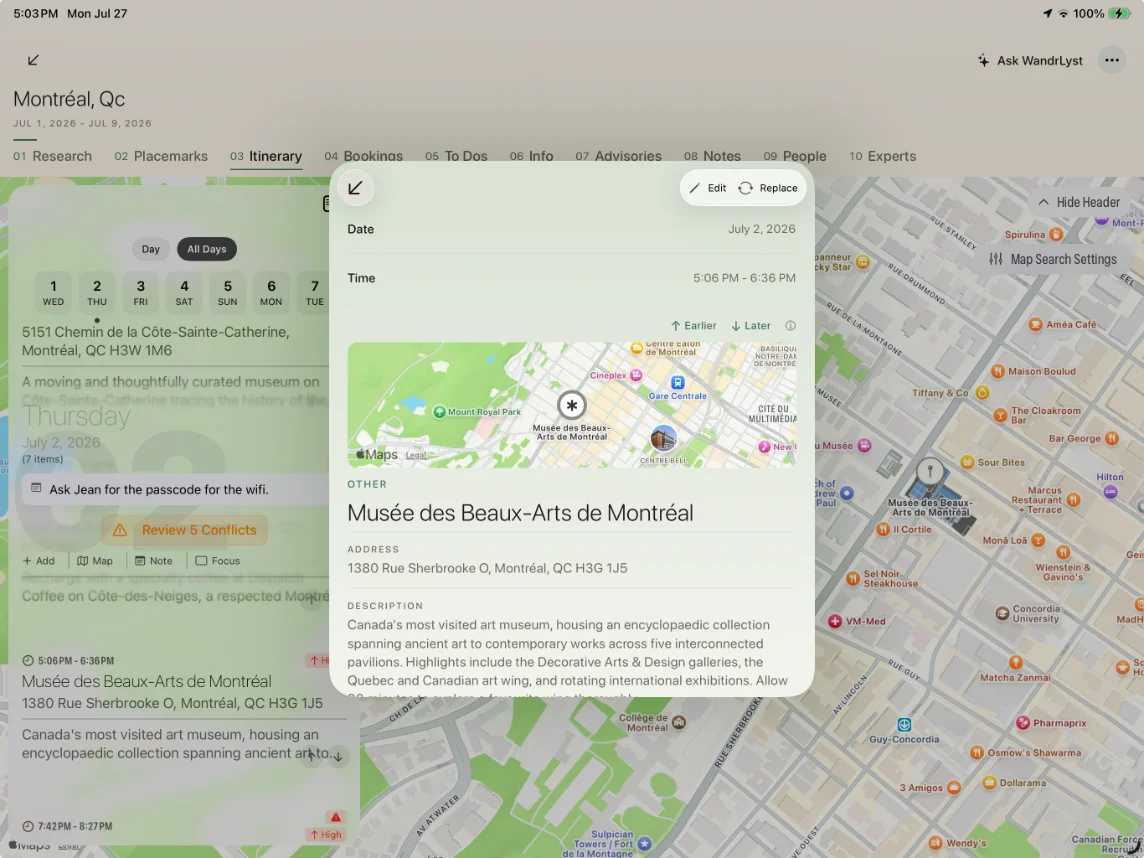
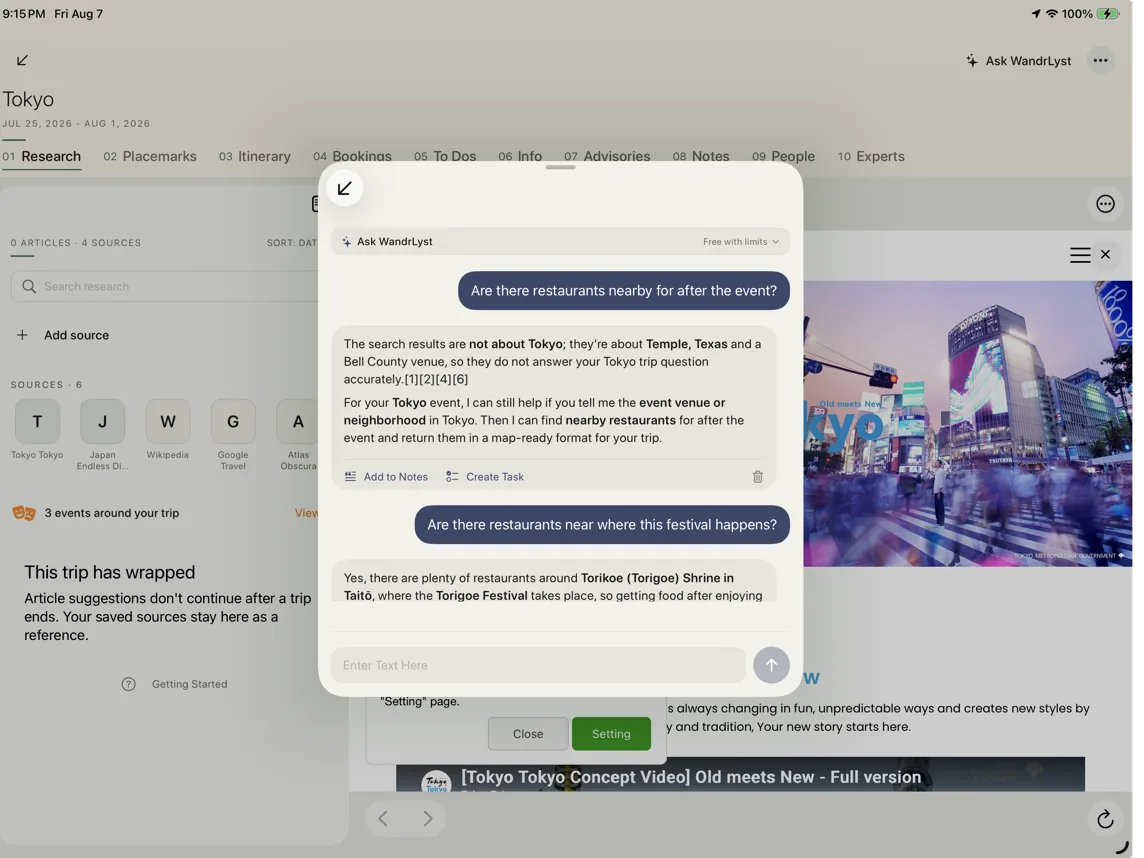
A guide in your pocket.
On the road, ask anything about your trip and get answers grounded in your own itinerary and real sources — then fold what you learn straight into the plan.
Take it with you.
Free to start. The whole flow — research to itinerary — on the device that’s already in your pocket.